Python
Write the parts that are easier in code, from one line to whole scripts.
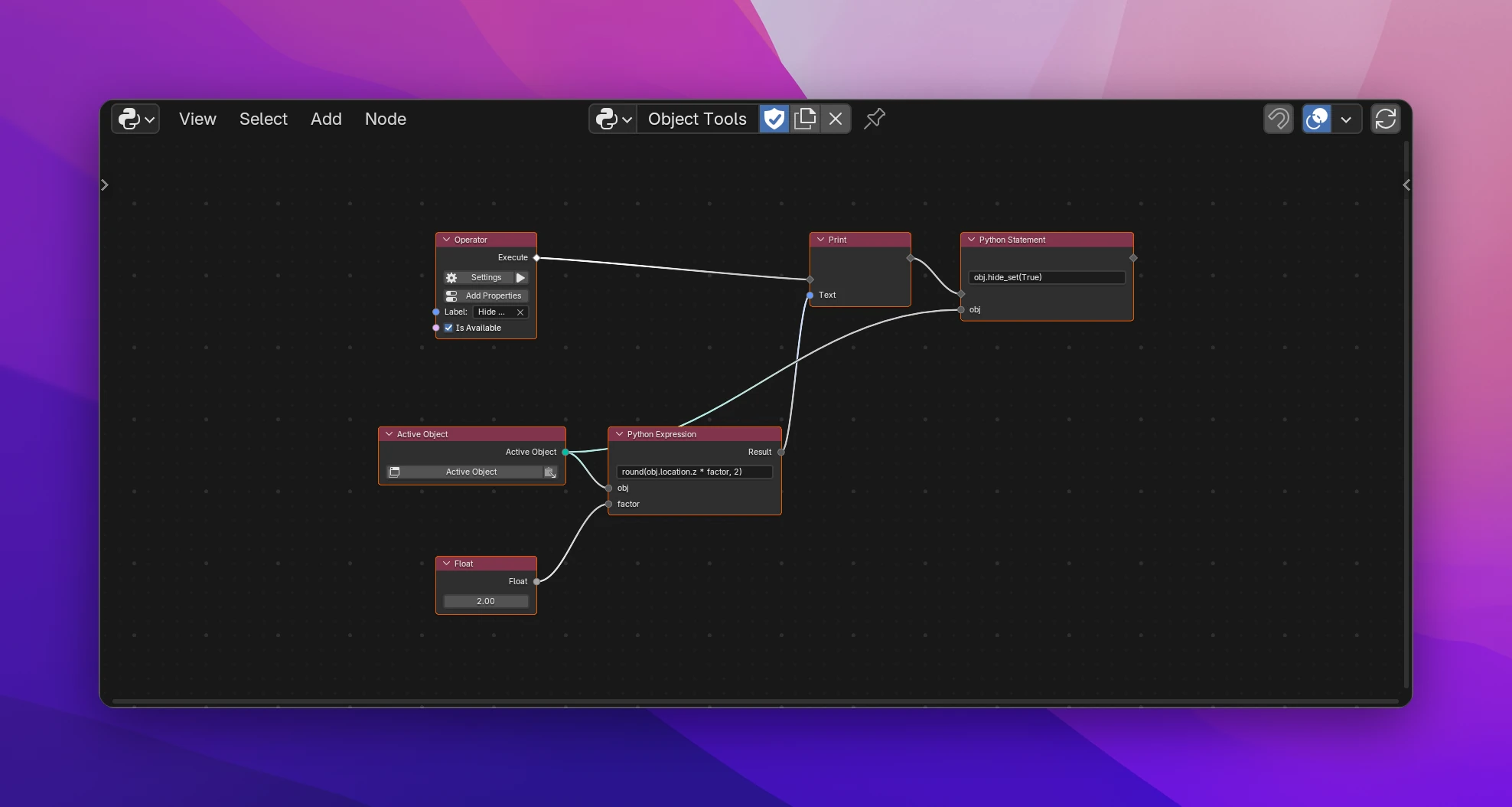
Nodes cover the structure of an add-on. When a step is quicker to write as code, these nodes put Python into the flow: a line typed on the node, or a script from a text block or a .py file. They're in Add › Python.
| Node | |
|---|---|
| Python Expression | A value from one line of Python. Names the line doesn't define become inputs |
| Python Statement | Runs a line of Python in a flow |
| Get Attribute | Reads an attribute whose name is only known when the add-on runs |
| Set Attribute | Sets an attribute by its name |
| Inline Script | Runs the code of a text block or a file where it is in the flow |
| Script Function | Calls a function of one of the add-on's scripts |
Which one to use:
- One line: Python Expression for a value, Python Statement for an action.
- A few lines in one place, like the body of an operator: Inline Script.
- Code you want to reuse, or classes and handlers of your own: a script in the Files list, called with Script Function. See Scripts.